
JPG vs PNG vs WebP: which image format should you use?
The best image format depends on the destination, whether transparency matters, and whether a smaller file is more important than perfectly preserved pixels.
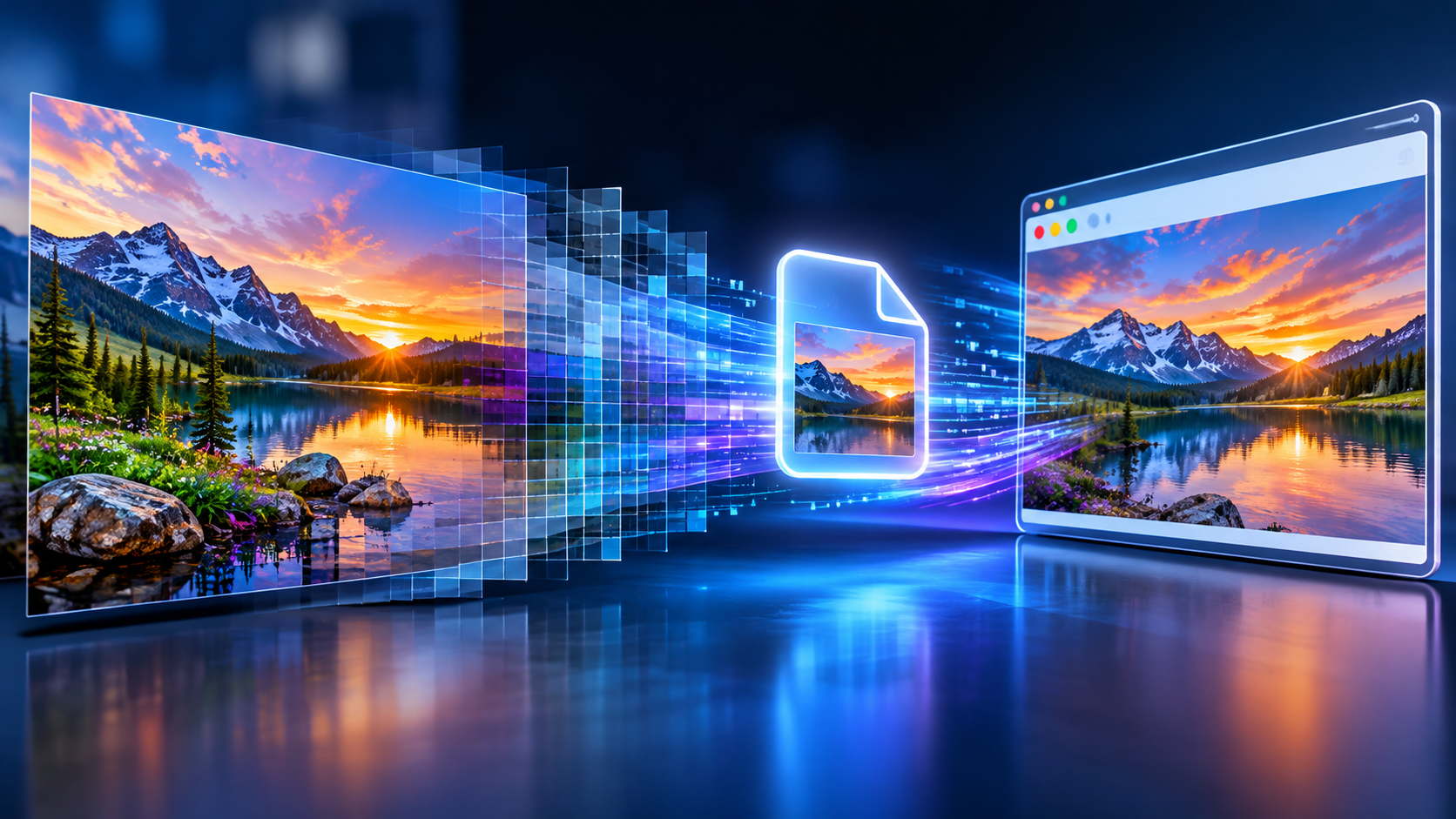
JPG for photographs
JPEG uses lossy compression. It is widely accepted and often works well for photos, but each re-encoding can introduce visible artifacts. JPEG does not support transparent backgrounds.
PNG for graphics and transparency
PNG uses lossless compression and supports transparency, making it useful for icons, diagrams, and screenshots with sharp edges. It can be substantially larger than JPEG for photographic images.
WebP when size and compatibility matter
WebP supports both lossy and lossless encoding and can preserve transparency. It can produce smaller downloads, but always check whether the app or website receiving the image accepts WebP.
How to make the choice
For a photograph being emailed, start with JPG. For a logo needing transparency, start with PNG. For a supported website where image weight matters, compare WebP results. Conversion cannot add lost detail, and a new extension alone does not convert an image.